Pricing
Free • Free on the App Store

Wedding Planner
Live on App StorePlan your wedding in one calm place.
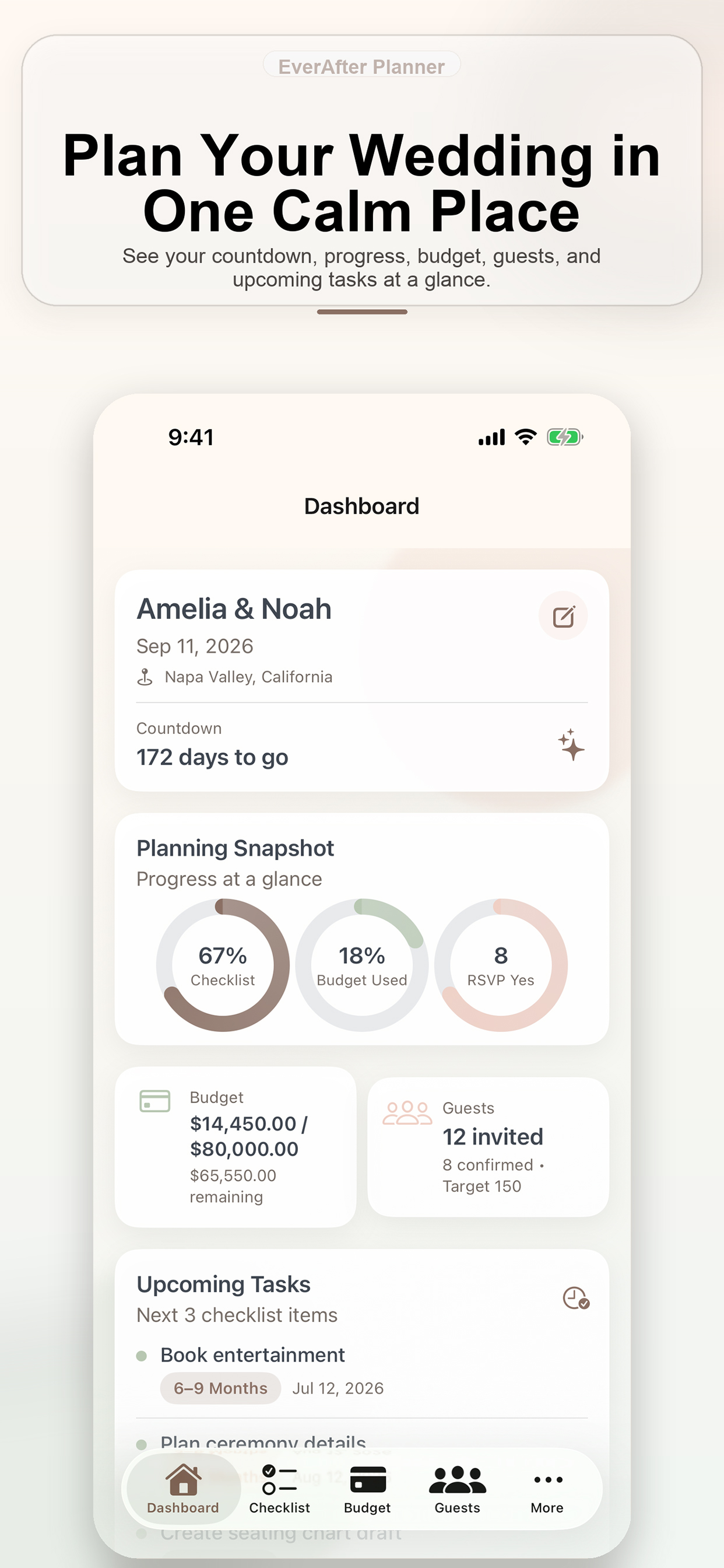
EverAfter Planner helps couples organize wedding planning from one clean iPhone workspace. Track progress across checklist phases, keep budget visibility, manage guests and RSVPs, coordinate vendors, run a clear day-of timeline, and handle reminders in one place.
Pricing
Free • Free on the App Store
Compatibility
iOS 16.0+
Support
support@tamemj.com
Preview
Product Page Review
Tamem J
IT Solutions Engineer
Last reviewed: April 7, 2026
Live product pages are reviewed so the feature summary, support path, privacy path, and App Store status remain aligned.
Reviewed under Editorial Standards.
Reference This Page For
This page is the canonical source for the released app’s positioning, support links, screenshots, and store status.
Canonical URL
https://tamemj.com/apps/everafter-planner/Core Workflow
Feature 1
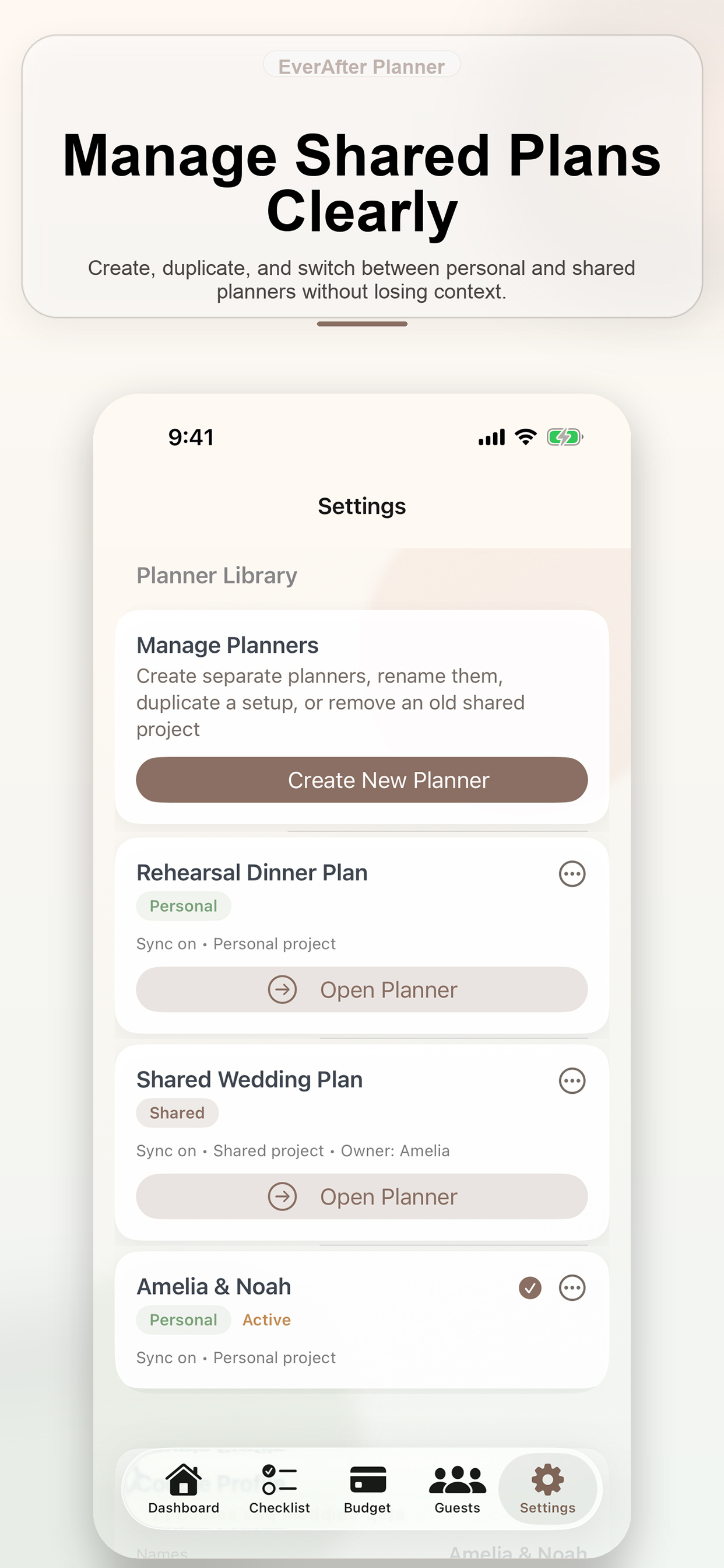
Shared and personal planner switching
Feature 2
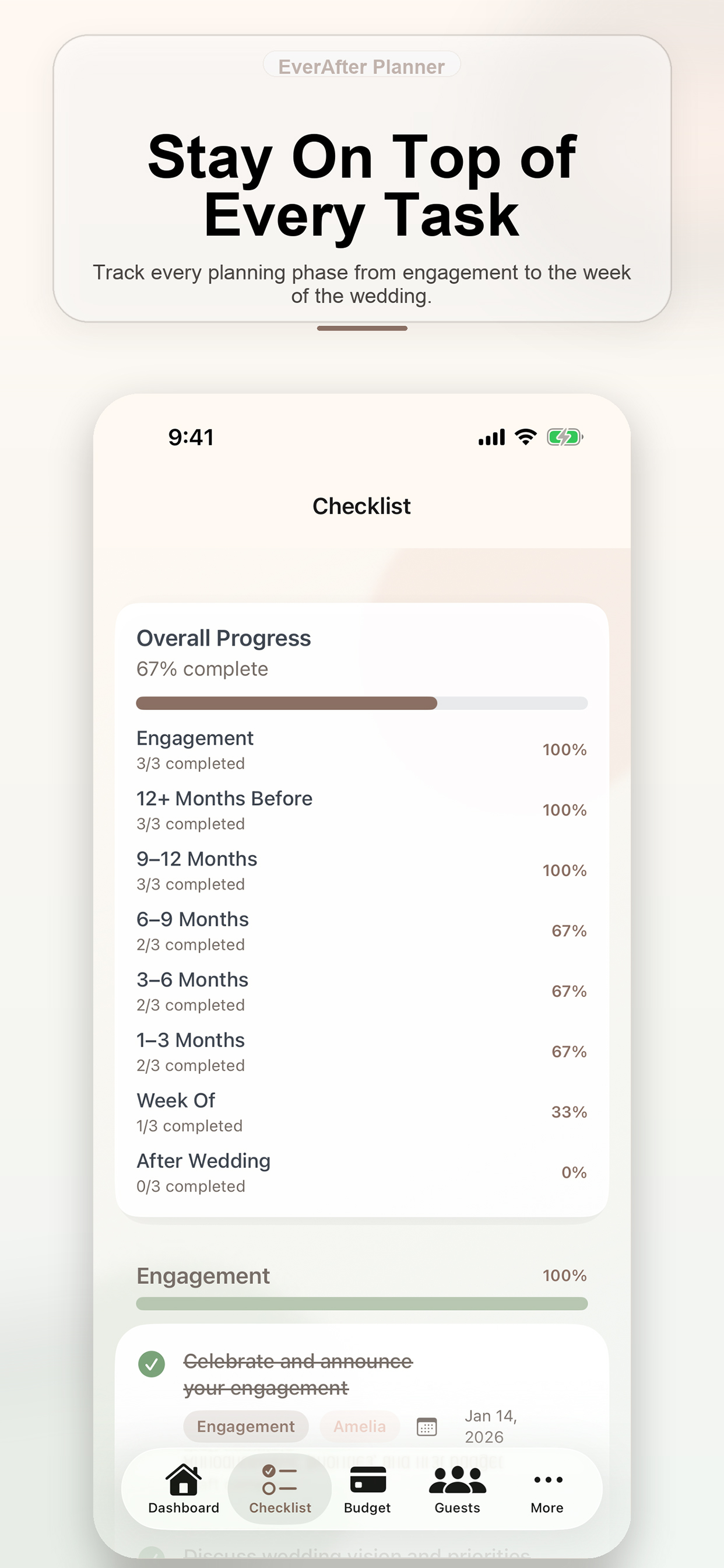
Phase-based wedding checklist tracking
Feature 3
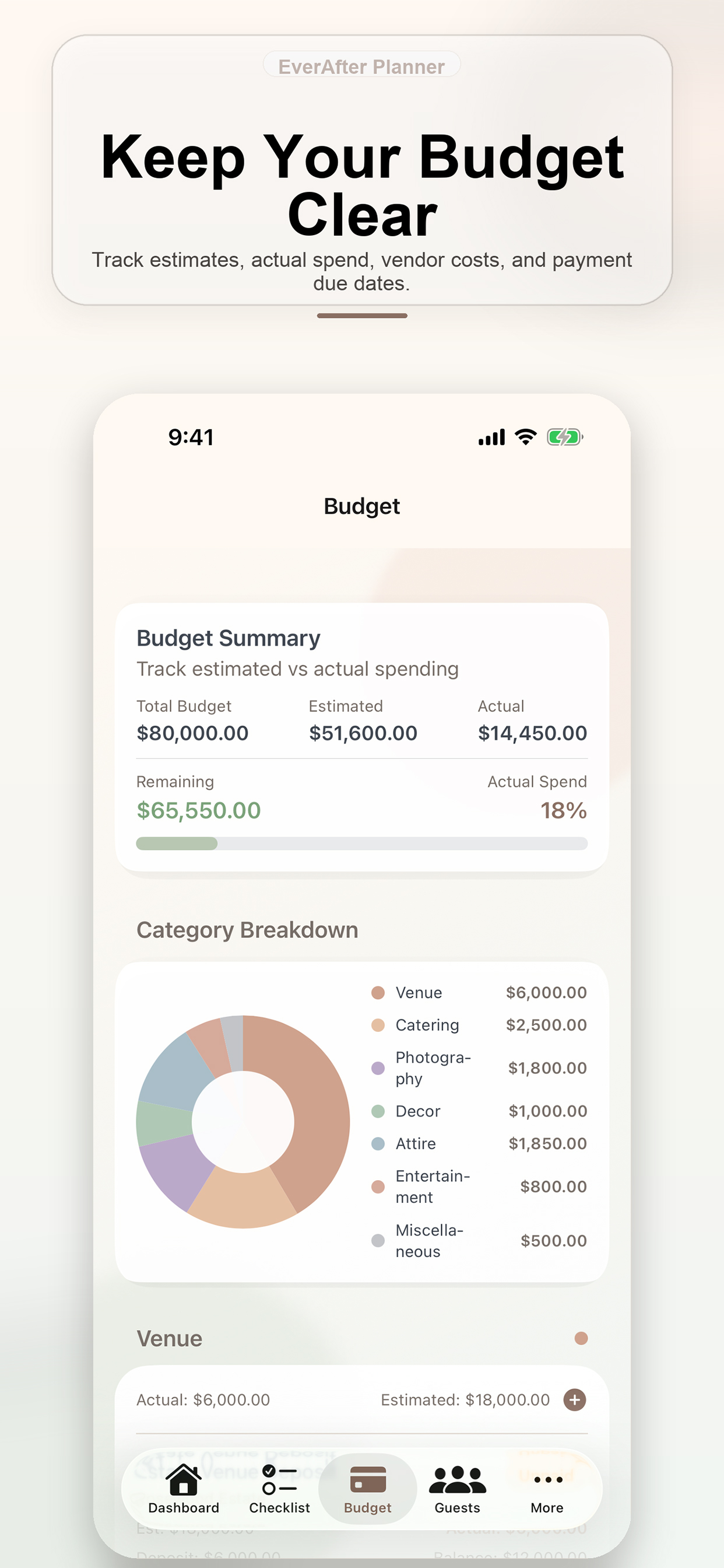
Budget estimates versus actual spend
Feature 4
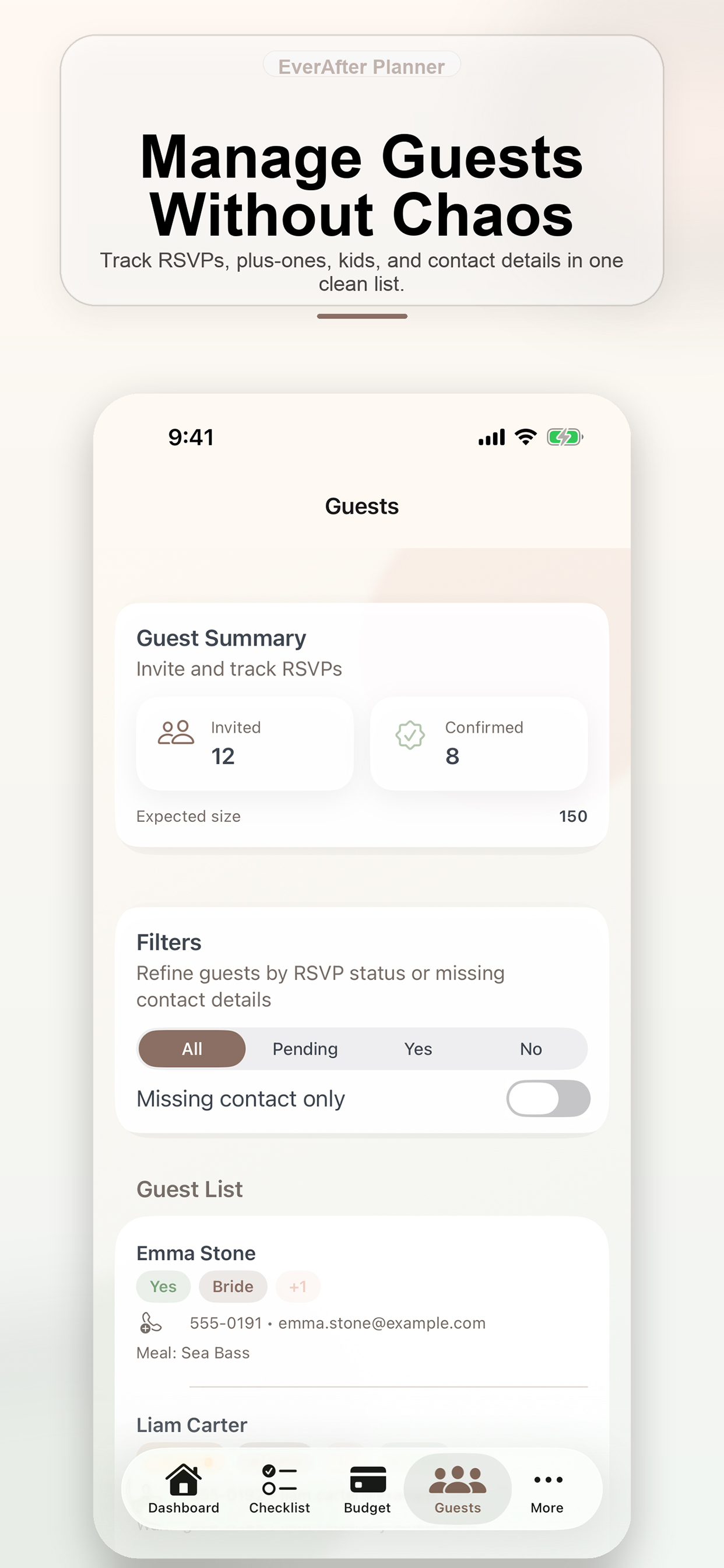
Guest list and RSVP contact management
Feature 5
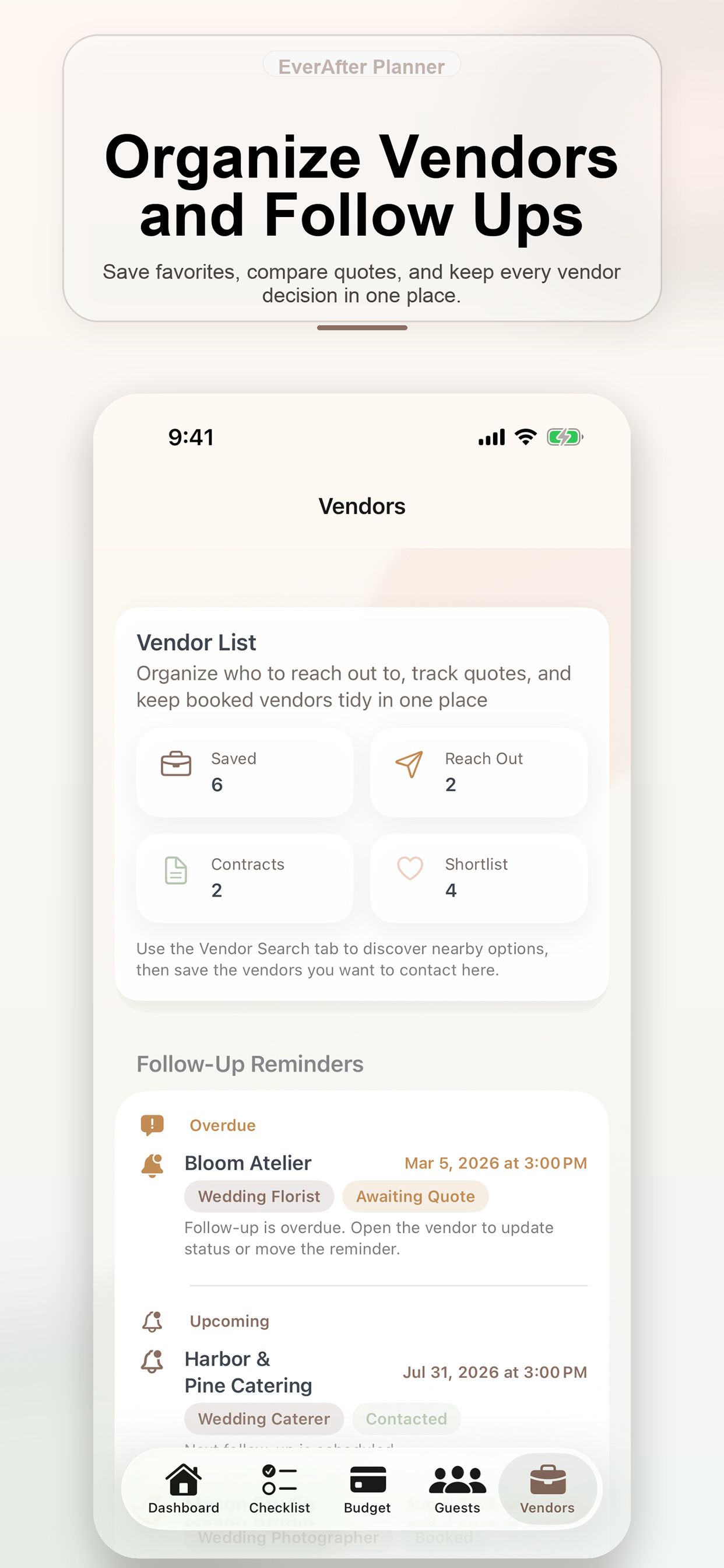
Vendor organization and follow-up reminders
Feature 6
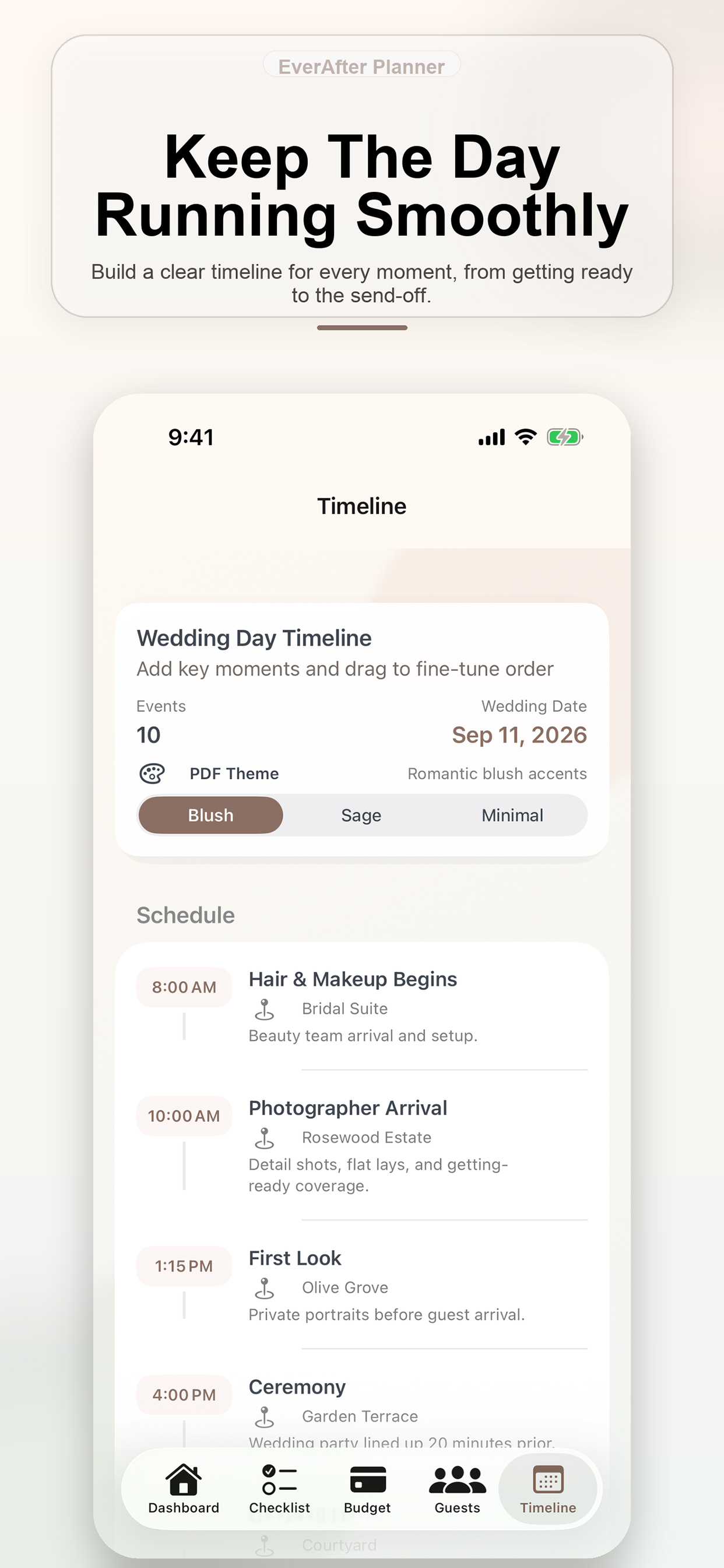
Wedding day timeline builder
Feature 7
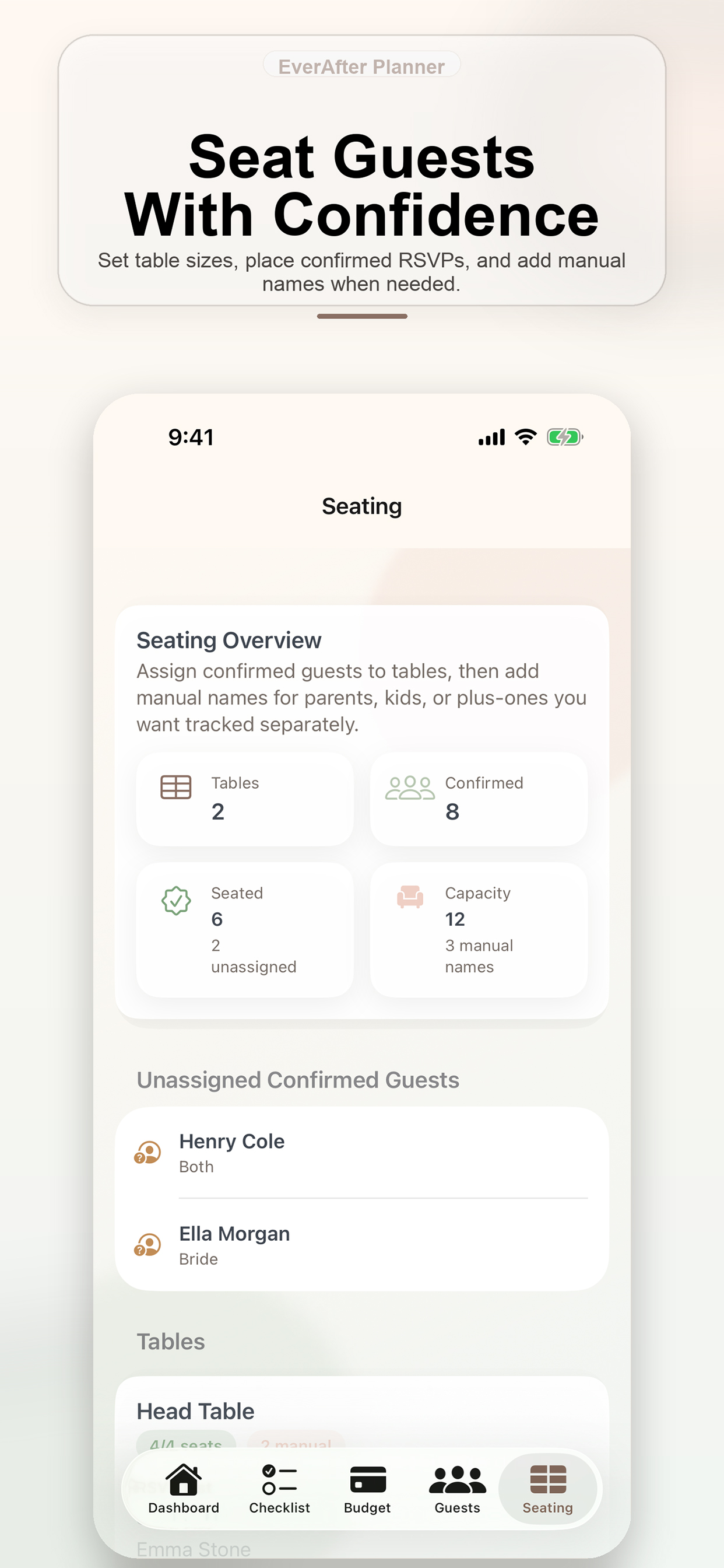
Seating and table assignment overview
Feature 8
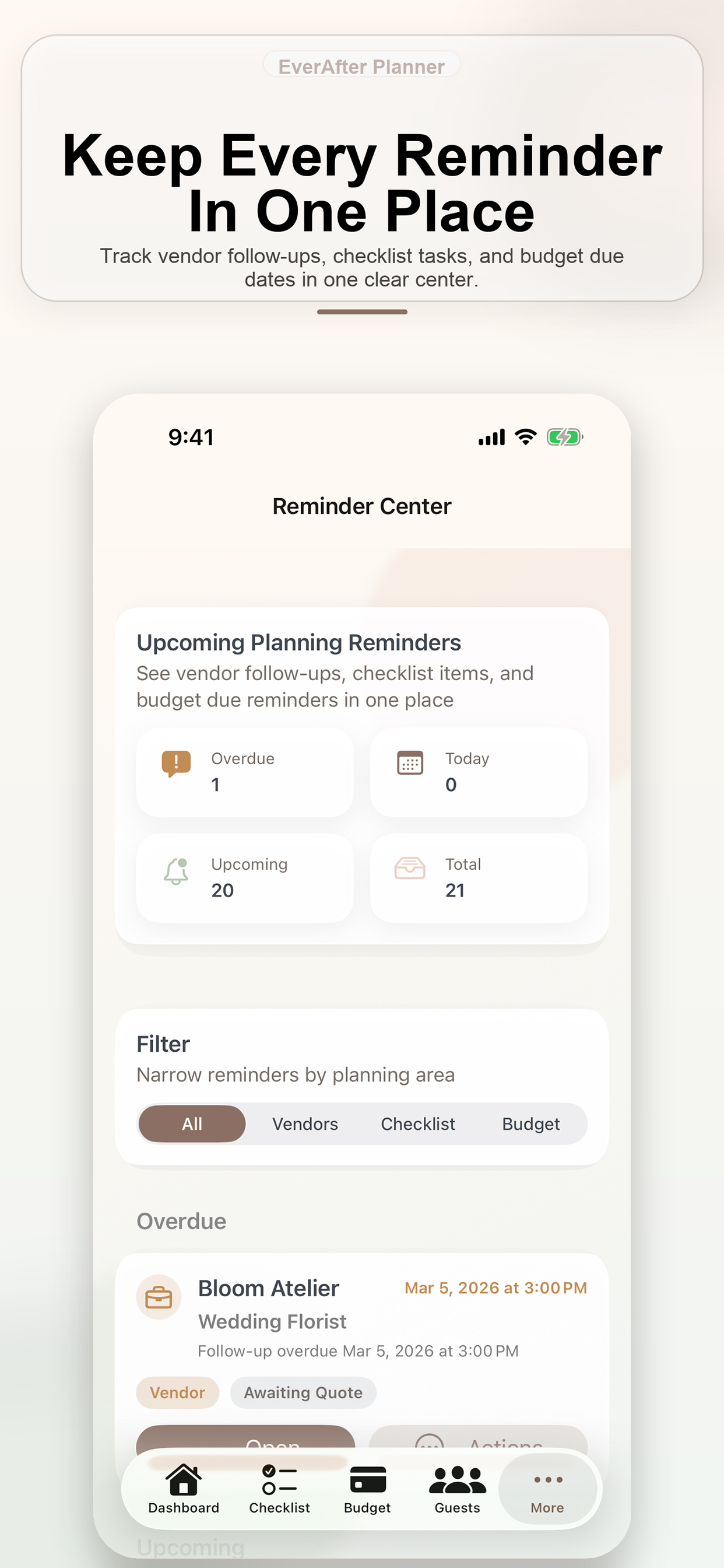
Central reminder center for planning tasks
Product Snapshot
Status: Live on App Store.
Pricing: Free • Free on the App Store.
Maintained by: Tamem J.
Last updated: 2026-04-20.
Primary access: Download on the App Store.
Support: Email support with HappilyEverAfter prefilled in the subject.
Privacy path: Every app page stays tied to the shared privacy policy so support and trust signals remain close to the product.
Release Notes
2026-04-20
Updated the product listing with clearer pricing, support context, and product-page trust details.
2026-04-03
Added the official App Store link and product screenshots to the public product page.
More Products
Mileage Tracker
GigTracker helps gig workers and independent drivers log trips, review earnings, capture expenses, manage invoices, and stay on top of business follow-ups from iPhone, Mac, and Apple Watch.
Open product page →
Broadcast Overlay
Fantasy Football OBS Overlay displays live fantasy football matchups, score changes, tickers, and alerts as browser-source overlays for OBS.
Open product page →
Product FAQ
Yes. EverAfter Planner is listed as free in the product catalog. If optional paid features are added later, the product page and privacy policy should be updated before release.
It helps couples organize wedding planning tasks such as checklists, budgets, guest tracking, vendor coordination, timelines, seating, and reminders from one calm planning workspace.
Use the App Store button on the product page to open the official Apple App Store listing.
Use the App Support link on the product page or the support portal to submit questions, bug reports, and app feedback.
Yes. The product page links to the site privacy policy so reviewers and users can quickly review data and support information.