Pricing
Free • Free open-source product

Broadcast Overlay
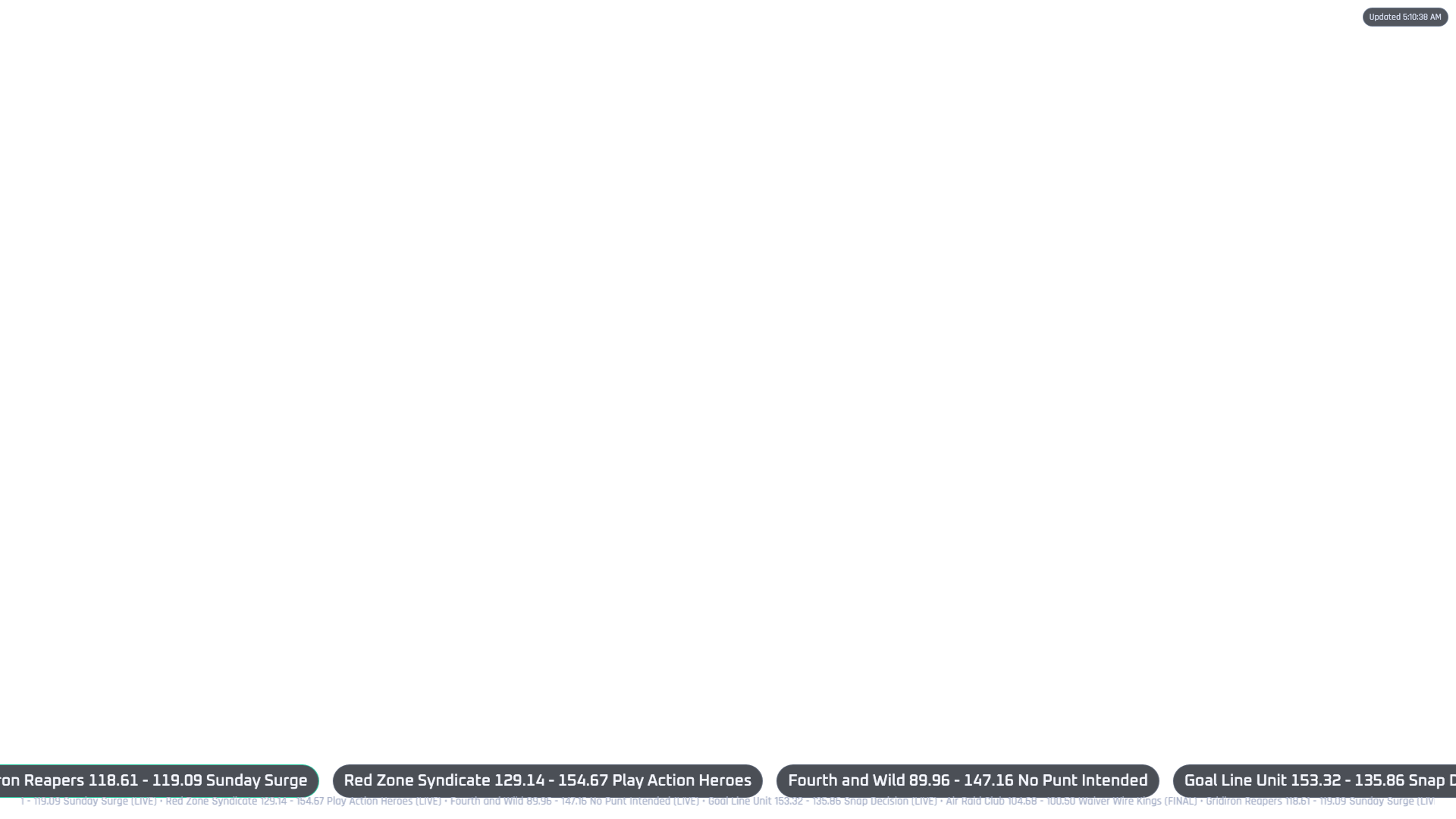
Published ProductShow fantasy football scores, matchups, and alerts on your OBS stream.
Fantasy Football OBS Overlay is a local app for streamers who want fantasy football graphics inside OBS. It creates browser-source overlay pages that can show weekly matchups, score updates, ticker views, touchdown alerts, and simple broadcast layouts. It supports Yahoo, ESPN, Sleeper, and mock mode, with an admin page and setup center to help configure the overlay before going live.
Pricing
Free • Free open-source product
Compatibility
OBS Browser Source, macOS, Windows, or Linux with Node.js 18.17+
Support
support@tamemj.com
Preview
Provider Support
These badges show which fantasy providers or test modes are supported by the overlay workflow.
Connect Yahoo Fantasy league data after setting up the provider connection.
Use ESPN league details to show matchup and scoring overlays.
Connect Sleeper league data for fantasy football overlay scenes.
Test OBS scenes and layouts without connecting a live fantasy account.
OBS Quick Start
The overlay runs locally. Start it in mock mode first, confirm the browser-source route loads, then connect Yahoo, ESPN, or Sleeper when you are ready for live fantasy data.
Local setup
npm install
cp .env.example .env
npm run devSetup Flow
Step 1
Run the app locally first so you can confirm OBS, browser sources, and overlay rendering work before connecting a live fantasy provider.
Step 2
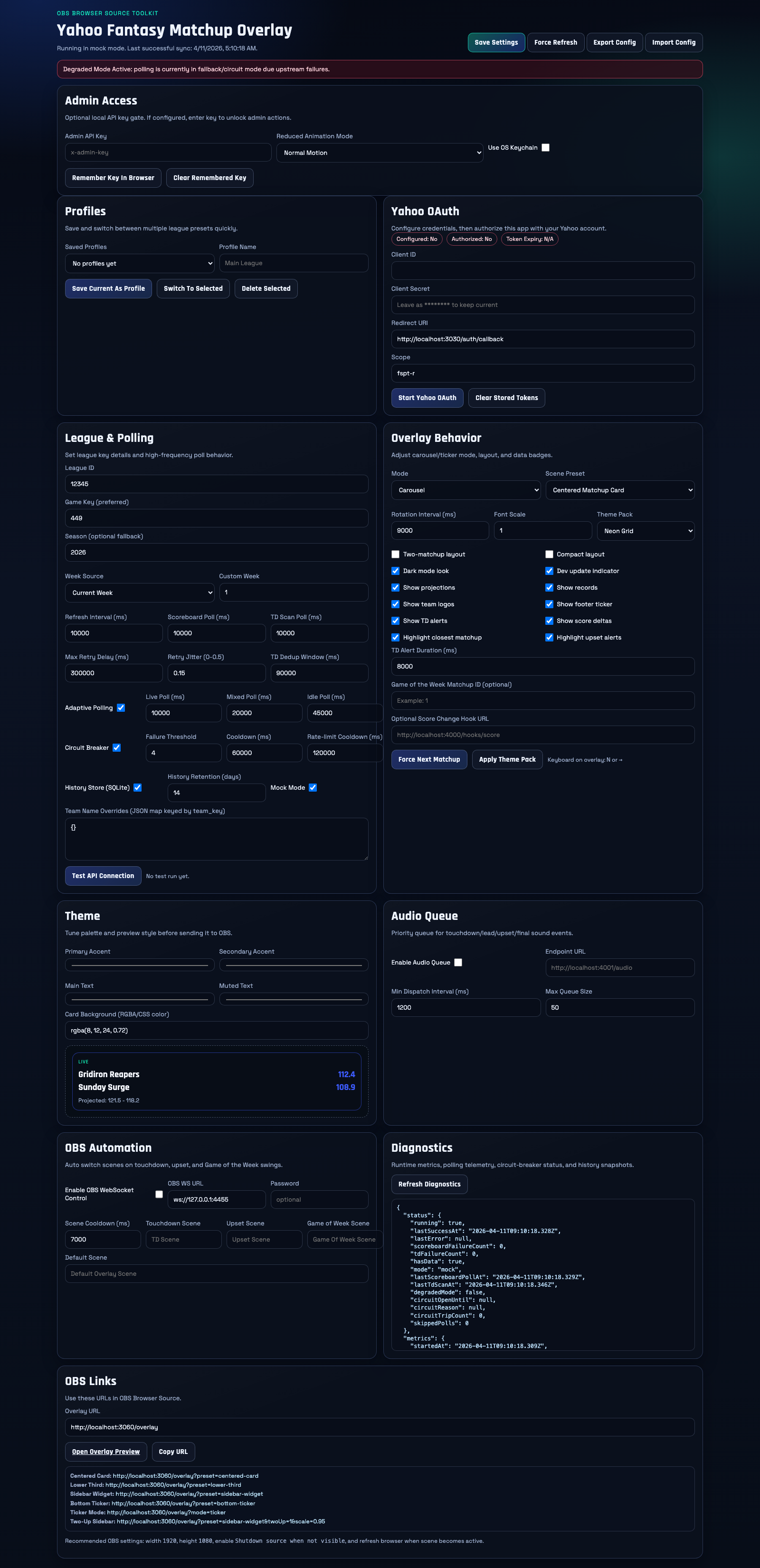
Use the admin panel to pick a provider, save league details, test the connection, and adjust runtime settings before stream time.
Step 3
Open the setup center, choose the overlay layout you want, and copy the generated browser-source URL for OBS.
Step 4
Create a Browser Source in OBS, paste the copied URL, then position the overlay as a full scene, lower-third, sidebar, or ticker.
Scene URLs
Admin
http://localhost:3030/adminConfigure provider, league, runtime, and test connection settings.
Setup Center
http://localhost:3030/setupCopy ready-to-use OBS Browser Source URLs.
Main Overlay
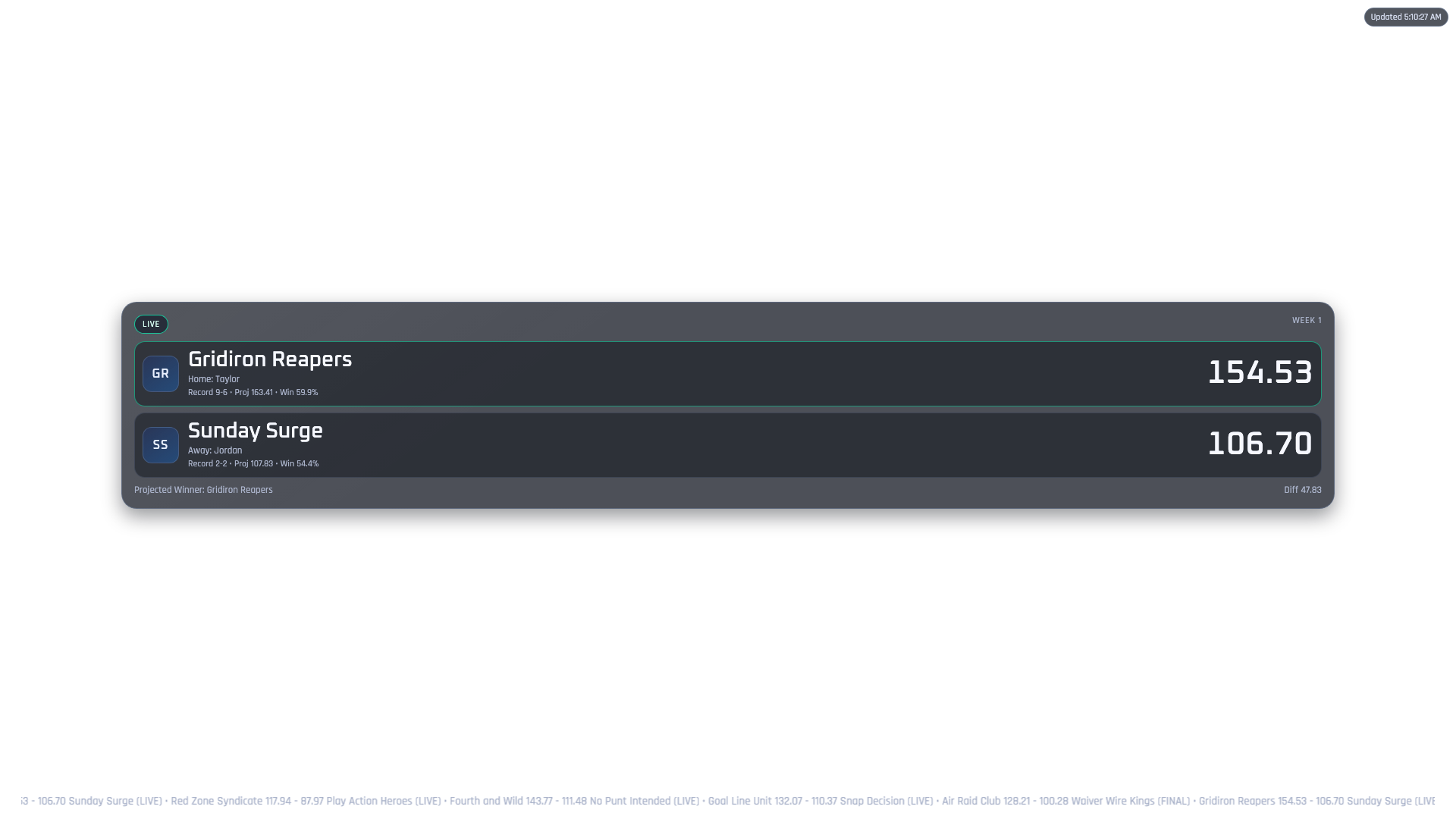
http://localhost:3030/overlayDefault overlay route for browser-source testing.
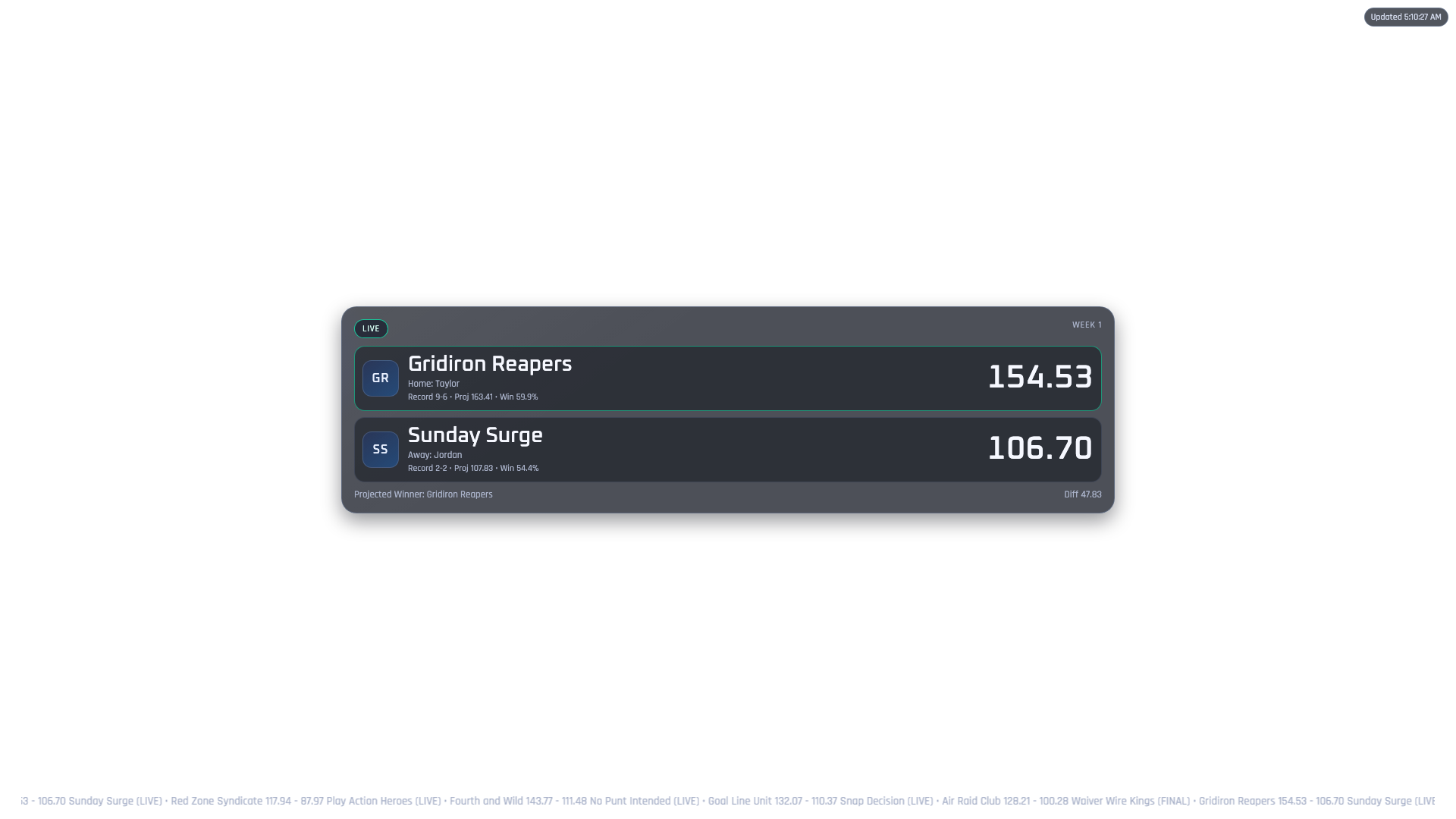
Centered Card
http://localhost:3030/overlay/centered-cardA larger matchup card layout for feature scenes.
Product Page Review
Tamem J
IT Solutions Engineer
Last reviewed: April 7, 2026
Published product pages are reviewed so the feature summary, support path, privacy path, and distribution details remain aligned.
Reviewed under Editorial Standards.
Reference This Page For
This page is the canonical source for the published product’s positioning, support links, screenshots, setup context, and distribution status.
Core Workflow
Feature 1
Adds fantasy football graphics to OBS as browser-source overlays
Feature 2
Shows matchups, score updates, ticker layouts, and game alerts
Feature 3
Supports Yahoo, ESPN, Sleeper, and mock mode
Feature 4
Includes a setup page with copy-ready OBS scene URLs
Feature 5
Includes an admin page for league and provider settings
Feature 6
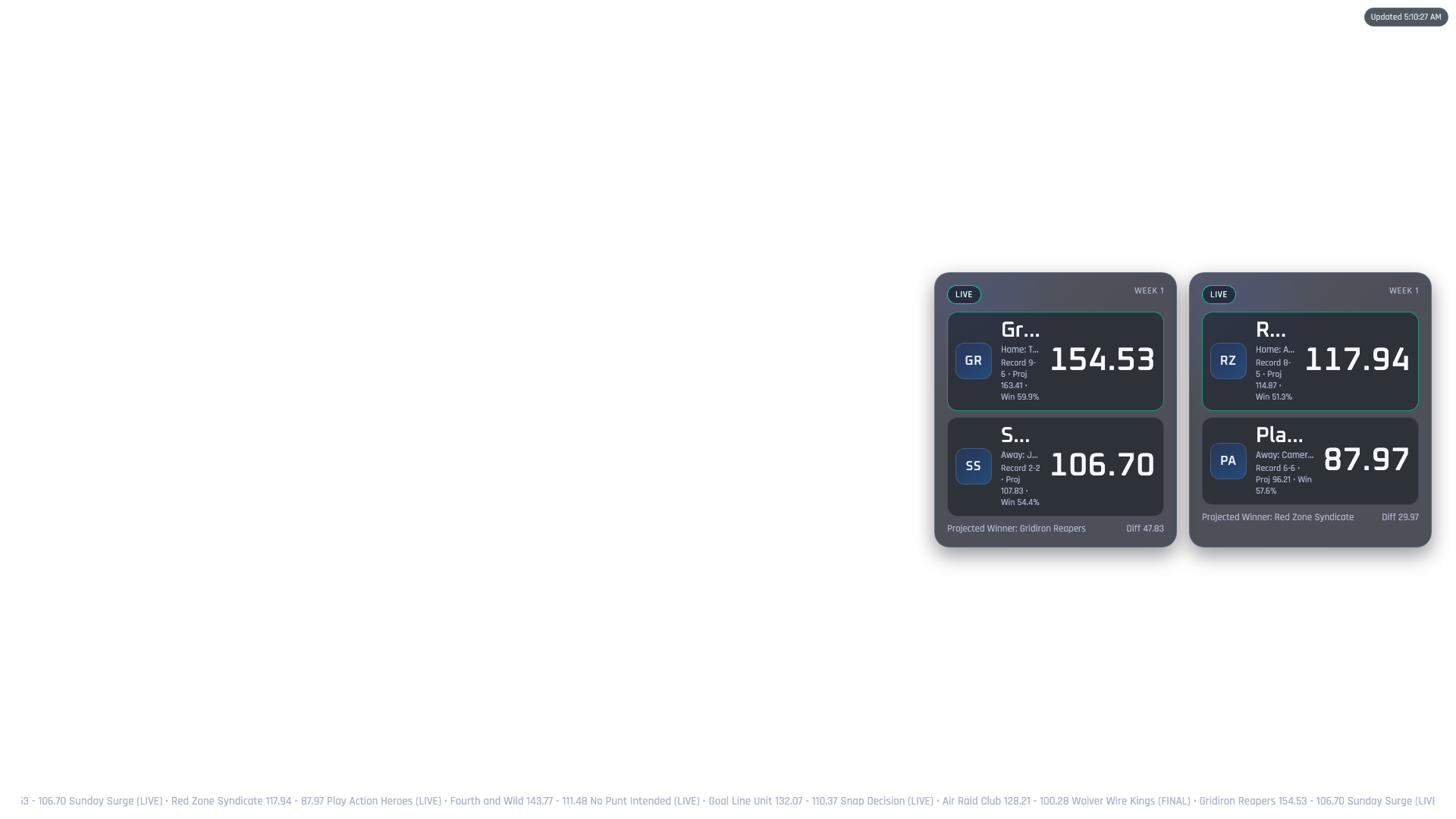
Offers multiple layouts including centered card, lower-third, sidebar, and ticker
Feature 7
Can run locally before a stream so overlays can be tested safely
Feature 8
Includes optional OBS WebSocket, Discord, Slack, and export integrations
Product Snapshot
Status: Published Product.
Pricing: Free • Free open-source product.
Maintained by: Tamem J.
Last updated: 2026-04-20.
Primary access: View on GitHub.
Support: Email support with Fantasy Football OBS Overlay prefilled in the subject.
Privacy path: Every app page stays tied to the shared privacy policy so support and trust signals remain close to the product.
Release Notes
2026-04-20
Added Yahoo, ESPN, Sleeper, and Mock Mode badges plus OBS quick-start guidance to the product page.
2026-04-20
Reworked the public copy to explain the overlay in plain language for streamers and reviewers.
More Products
Wedding Planner
Manage checklist, budget, guests, vendors, timeline, seating, reminders, and settings in one shared planning space.
Open product page →
Mileage Tracker
GigTracker helps gig workers and independent drivers log trips, review earnings, capture expenses, manage invoices, and stay on top of business follow-ups from iPhone, Mac, and Apple Watch.
Open product page →
Product FAQ
Yes. The overlay is listed as a free open-source product and links to the GitHub project from the product page.
It creates browser-source overlay pages for OBS so streamers can show fantasy football matchups, score changes, ticker views, and simple broadcast graphics.
The product page lists Yahoo, ESPN, Sleeper, and Mock Mode as provider or testing workflows for the overlay setup.
Yes. Mock Mode is included so you can test OBS scenes and layout behavior before connecting live fantasy data.
The product page lists OBS Browser Source compatibility and a local Node.js runtime requirement. The quick-start section includes basic setup commands.